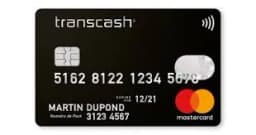
Transcash Mastercard EUR FR
Transcash Mastercard EUR
FR
How to redeem
Log in to your Transcash account and enter your code in the 'Rechargement' section to add funds.
Show details
1. Visit the official Transcash website and log in to your account. 2. Navigate to the 'Rechargement' or 'Recharge' section in your dashboard. 3. Enter your top-up code into the designated field. 4. Click 'Submit' or 'Confirm' to finalize the transaction and update your balance.